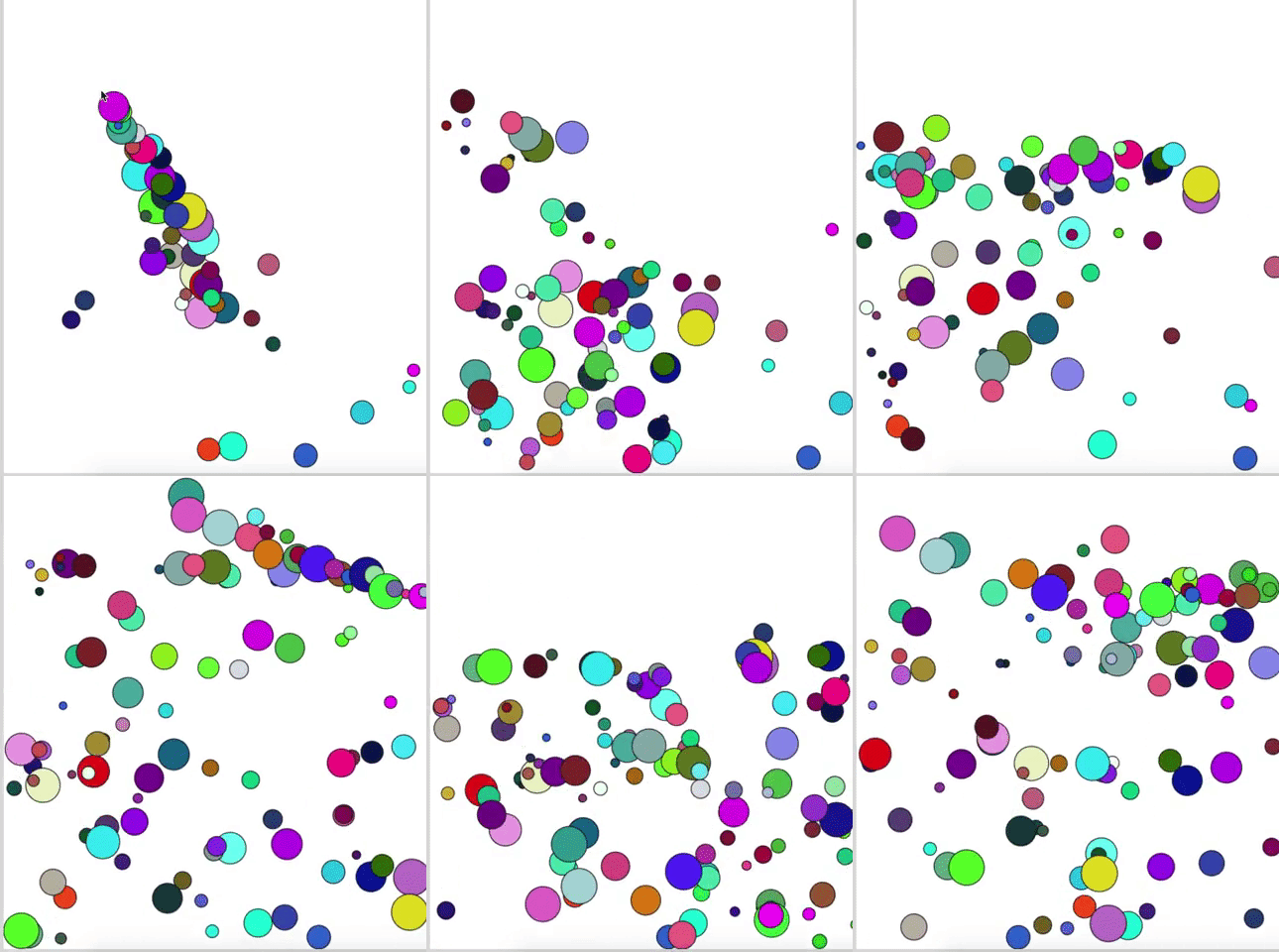
Bounce Balls On Screen
by Erik Wiessmann
Always make a plan first
Set up a website, javascript, and css file.
Set up a ball
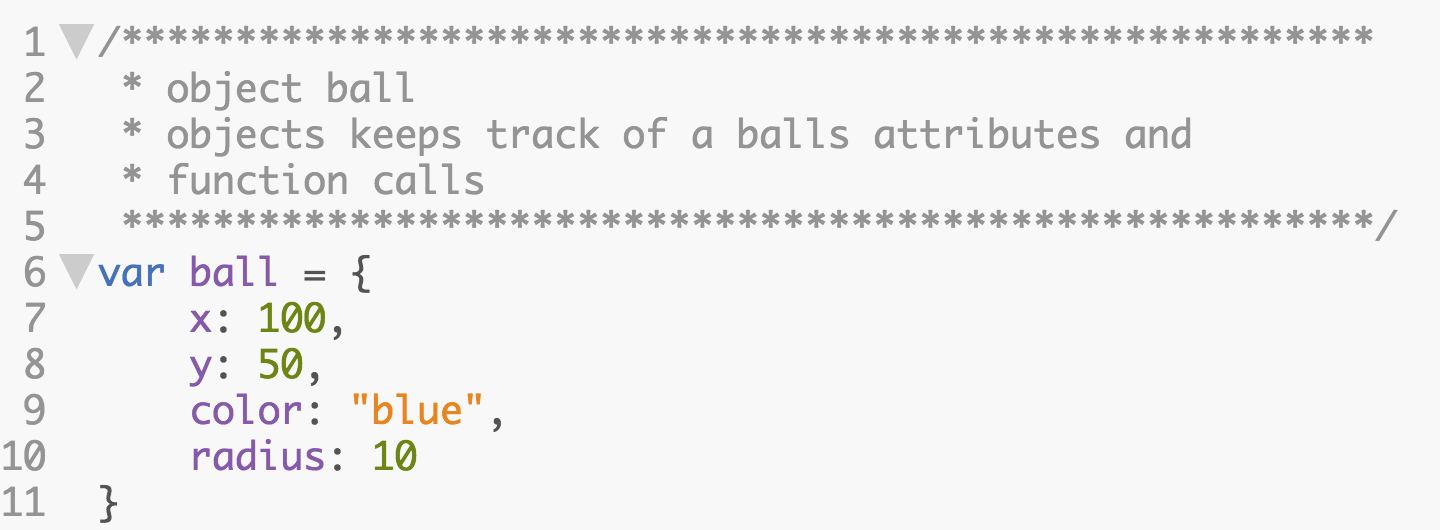
We need to have a ball on the screen. Each ball sould have a size, color x-position and y-position.
Animate a ball
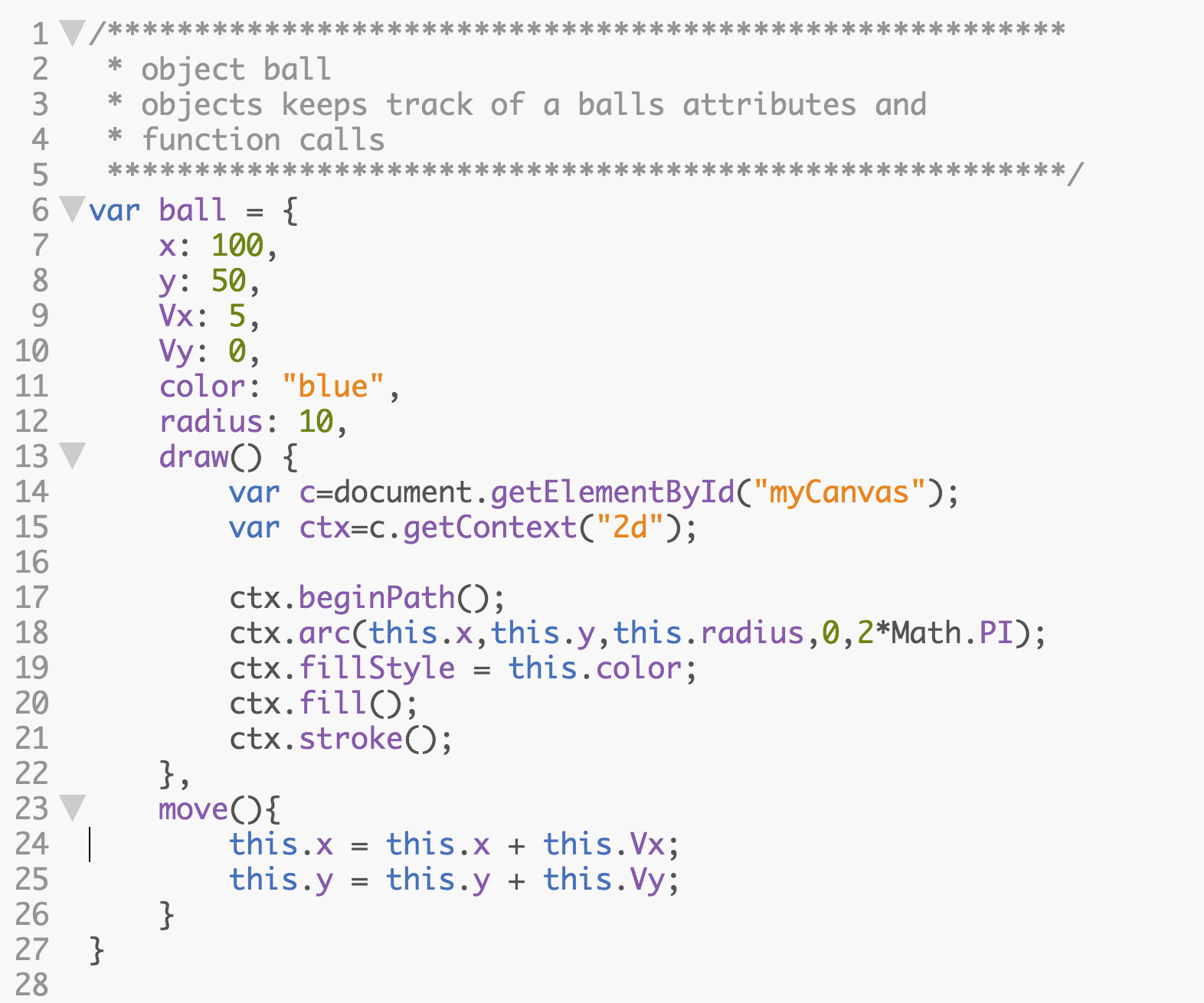
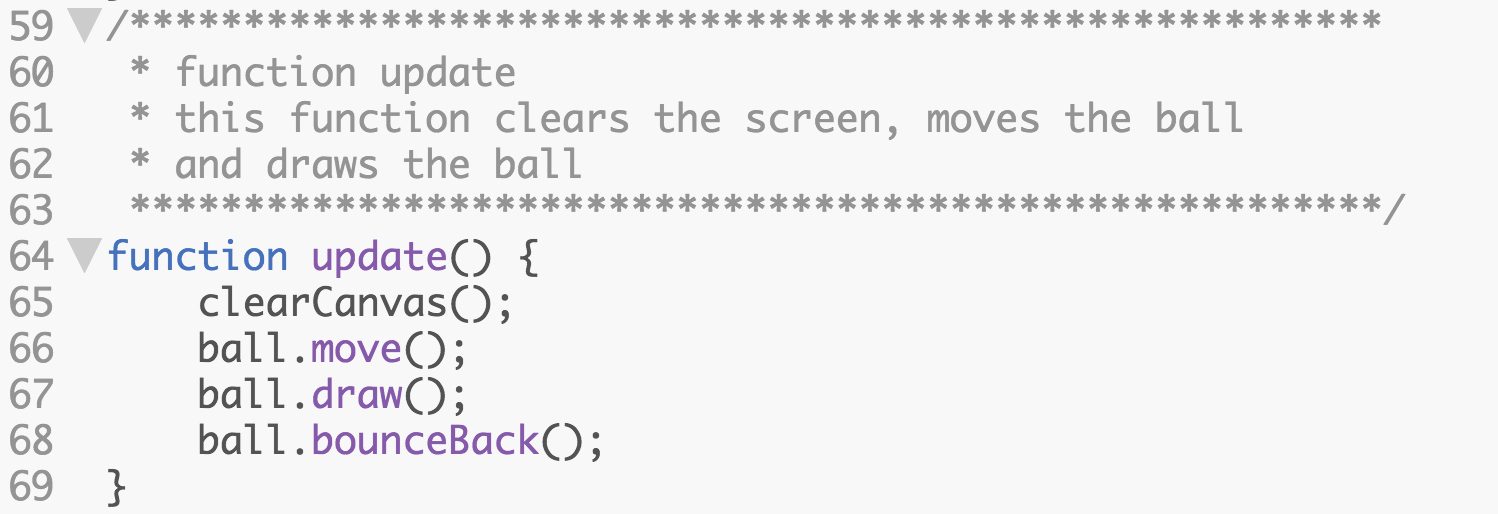
To move a ball on the screen we must
- move the ball
- erase the screen
- draw the ball
The ball must also must have a velocity.
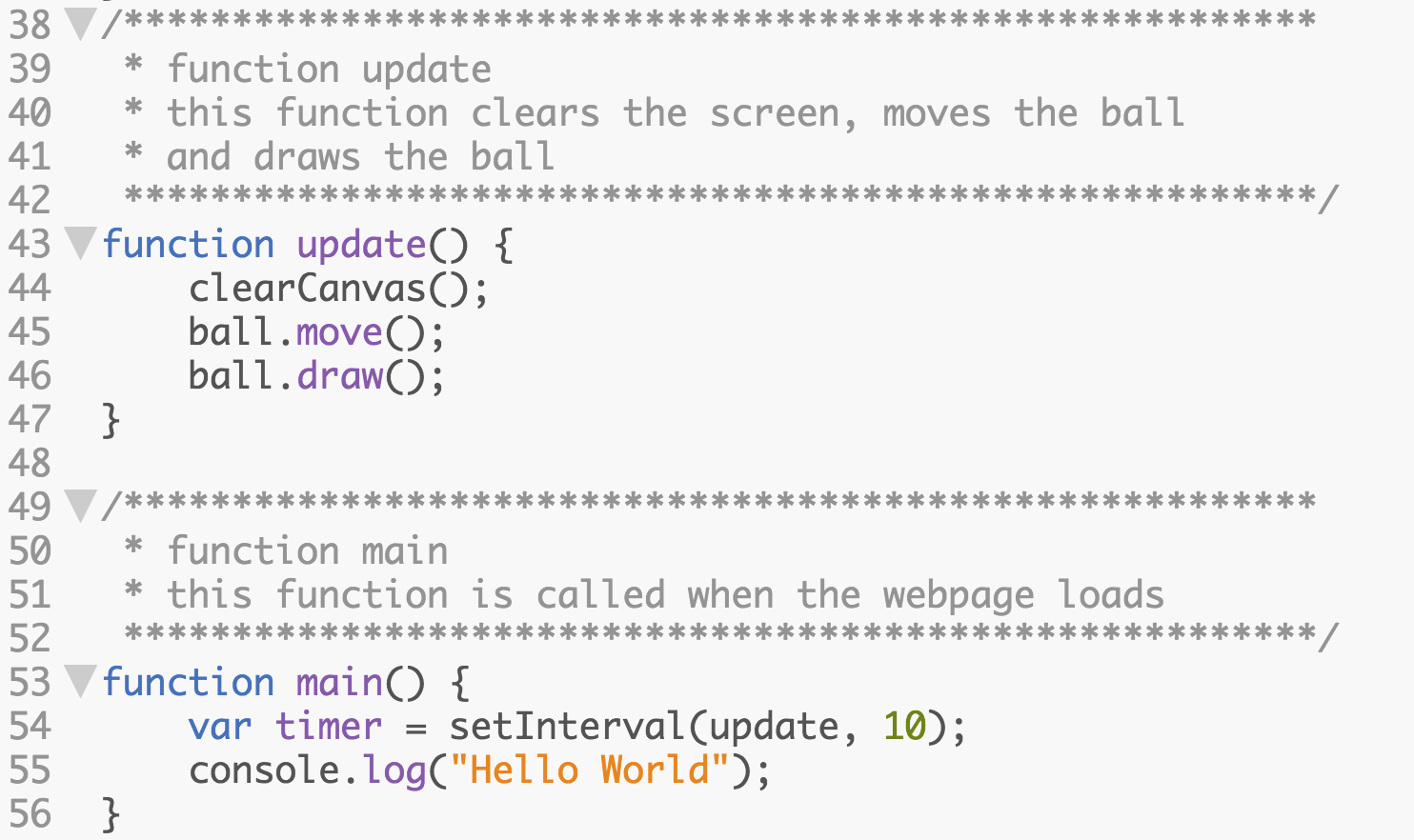
The program should also call an update function continuously.
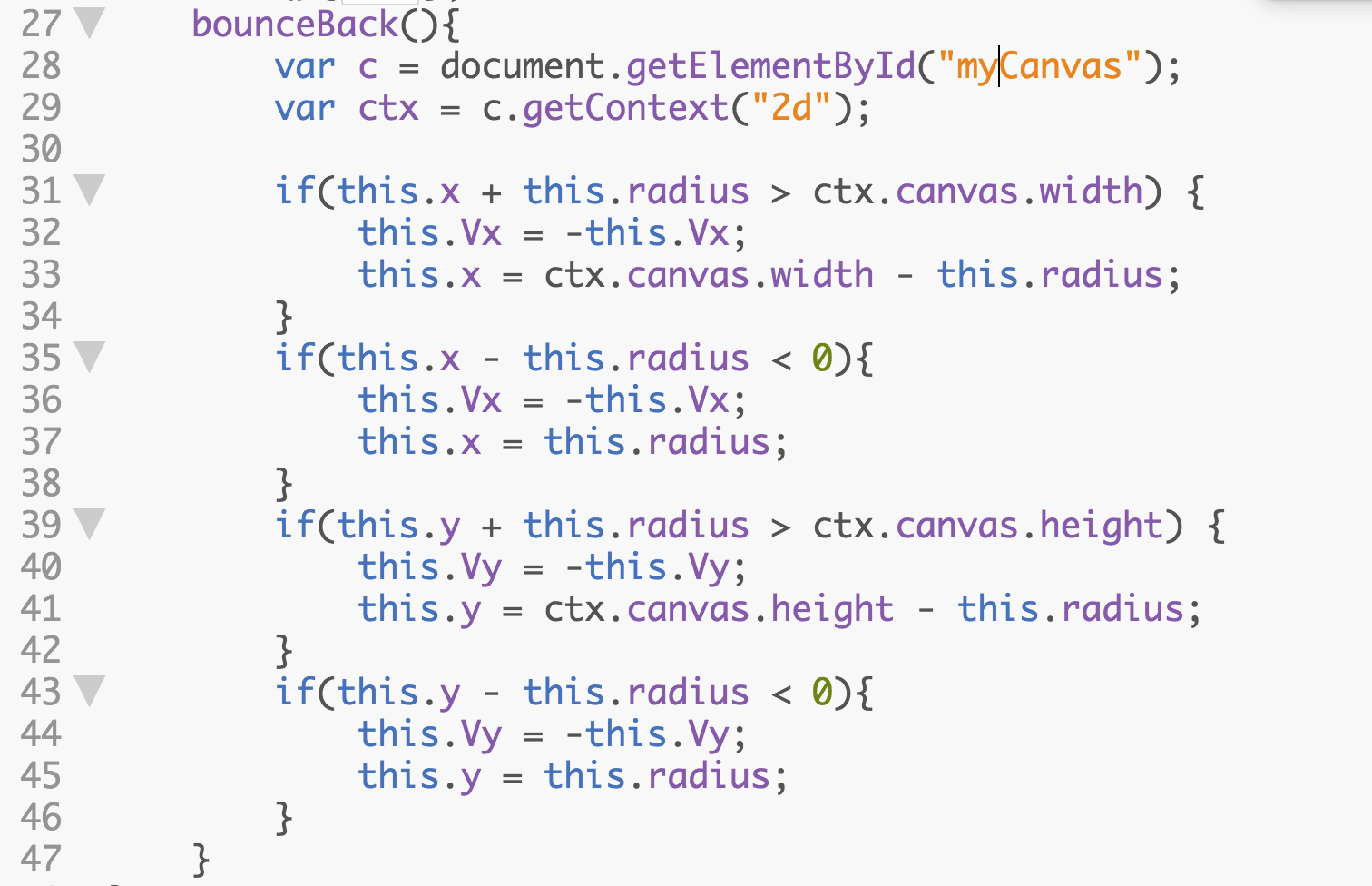
When a ball moves off screen we should bounce it back onto the canvas. Add the bounceBack function to the ball object.
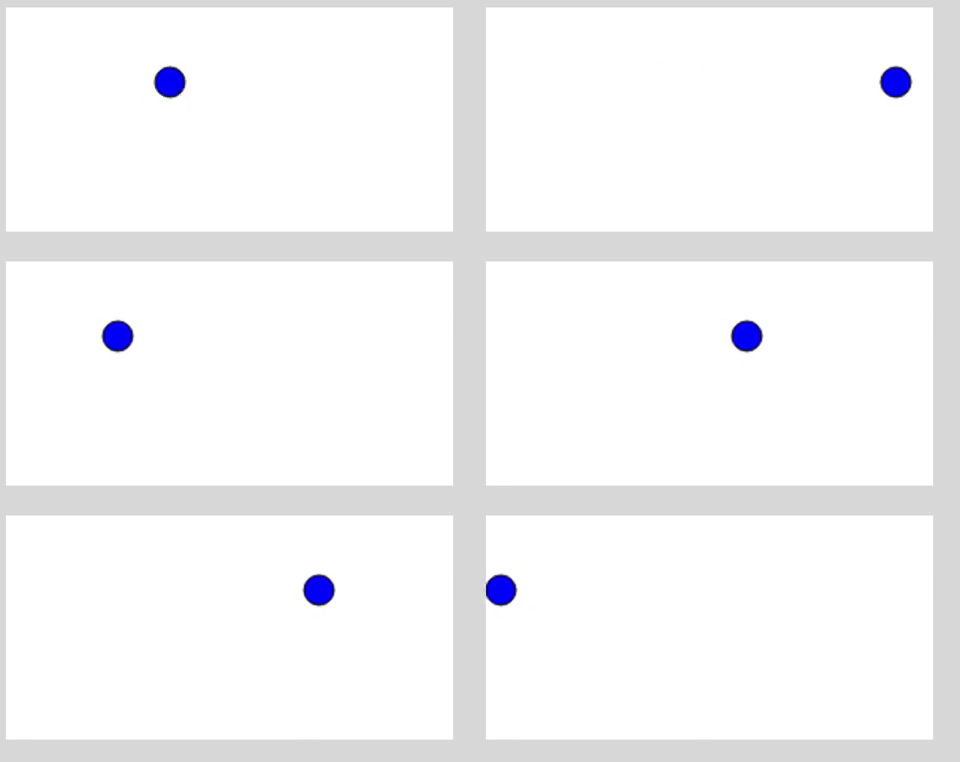
You should now have a ball bouncing on the canvas.
Add gravity

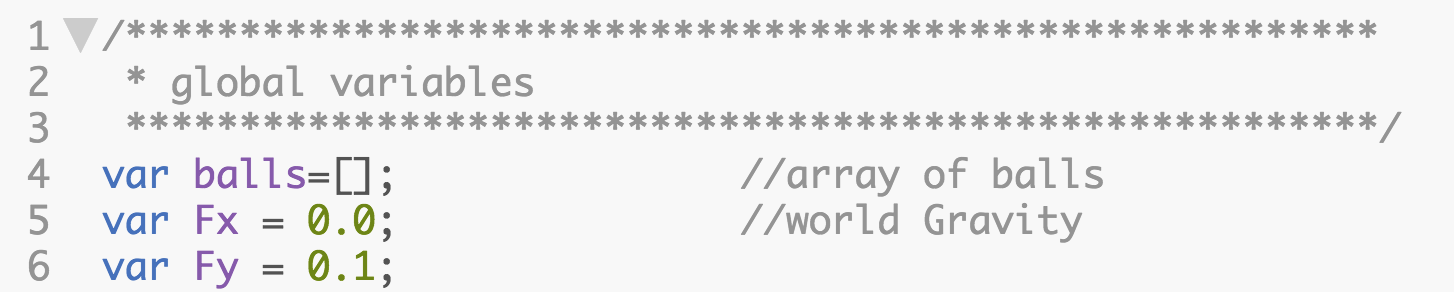
To get a more natural look, we should add gravety to our scene, which is just an acceleration towards the bottom of the screen.

While we are at it would could have forces pushing the ball left or right too.

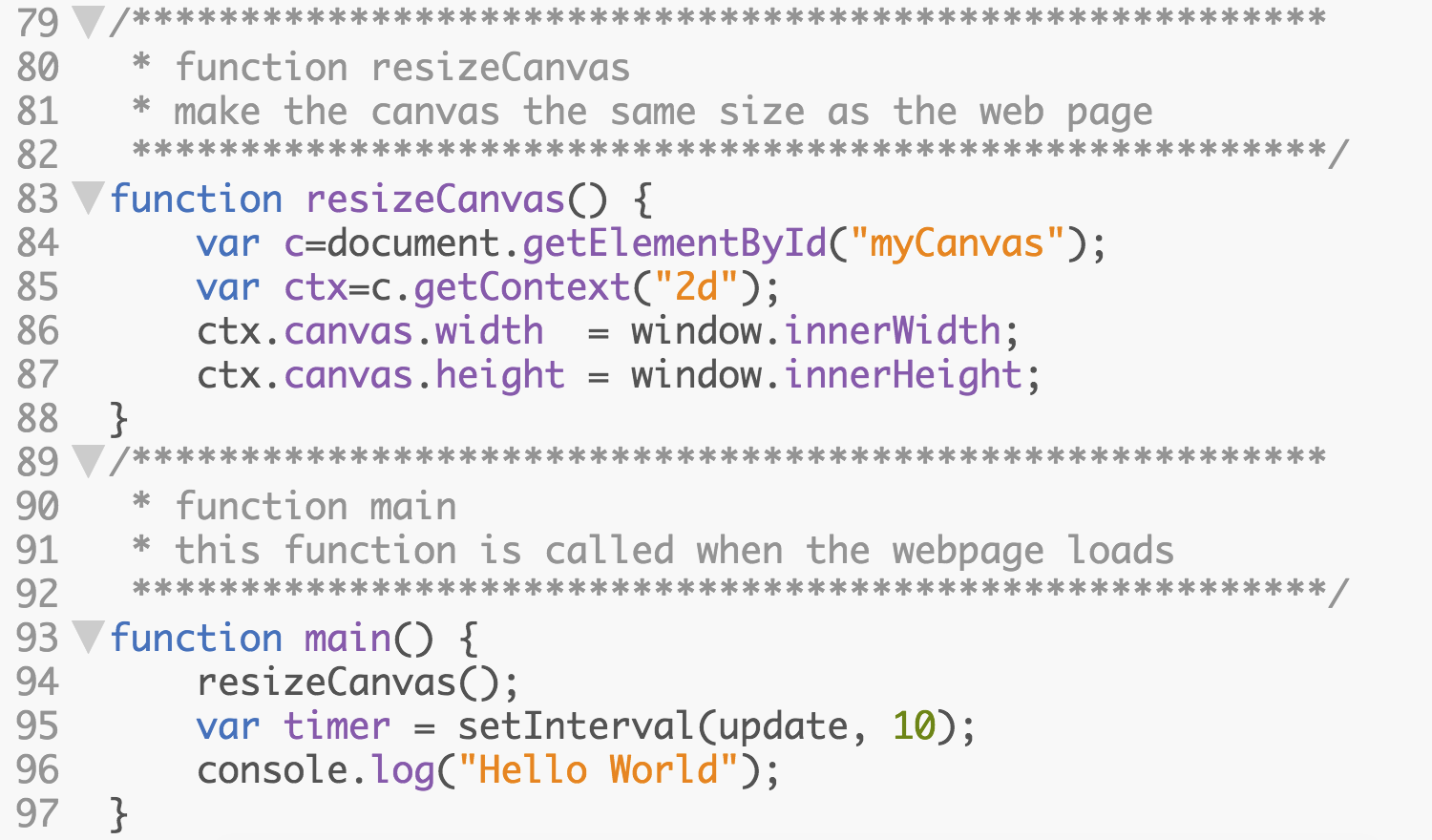
Make the canvas the size of the webpage
Resize the canvas in ourjavascript file
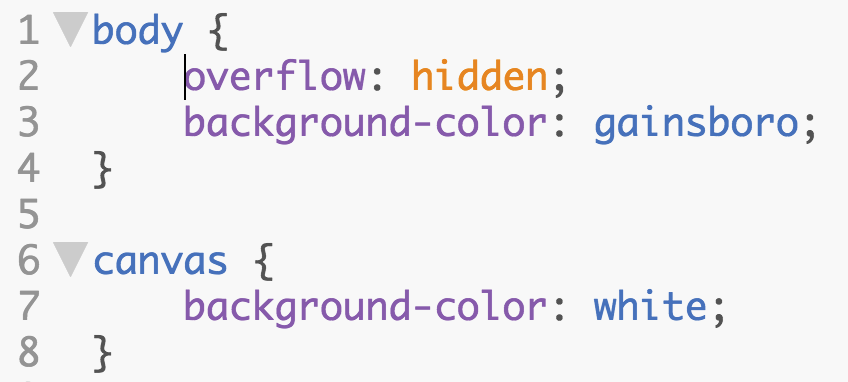
Open your css file and make the webpage unscrollable.
Make many balls
Now we can add many balls by creating an array of balls. Each ball must be set up seperately so they have their own attributes. We can create 10 balls.
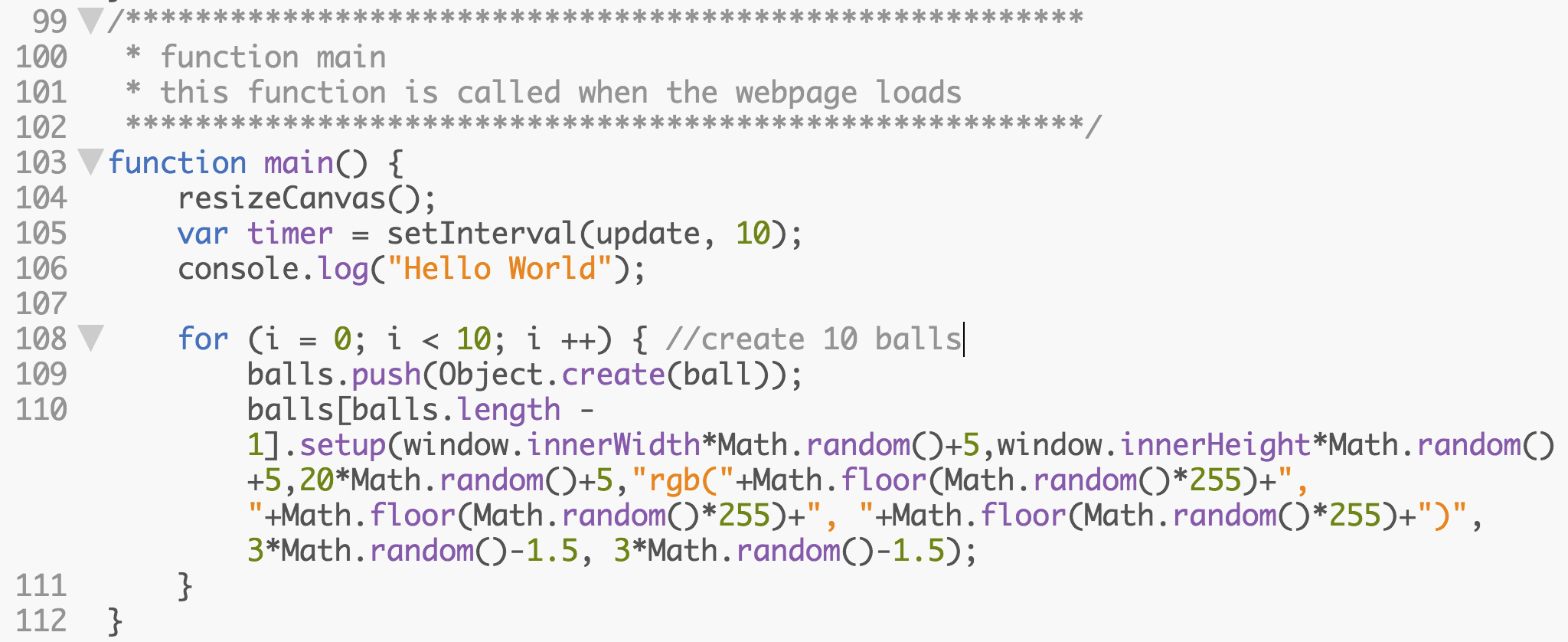
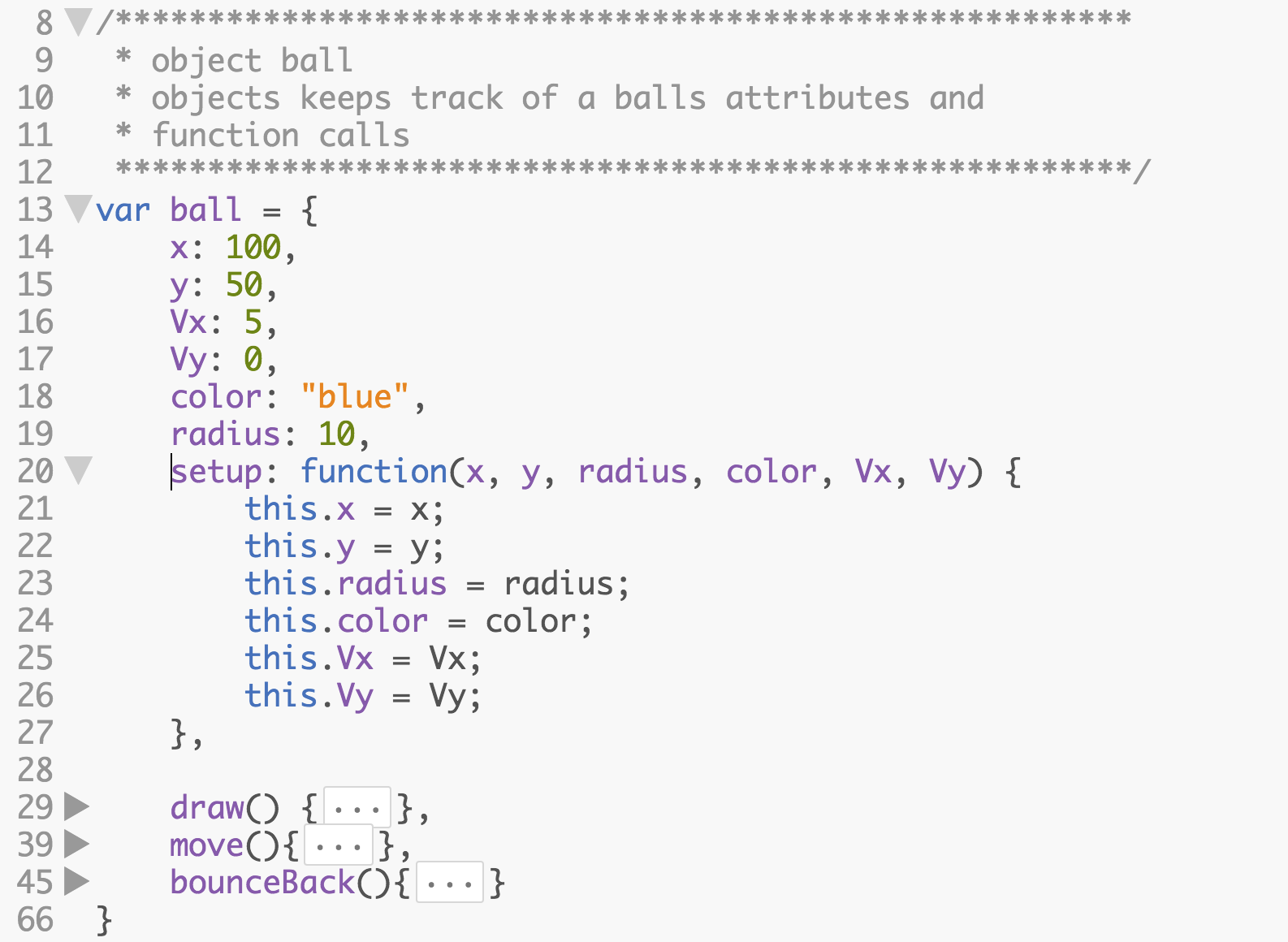
Add a set up function to the balls.
Create an array to store many balls.
We will now need to move, and draw each ball seperately.
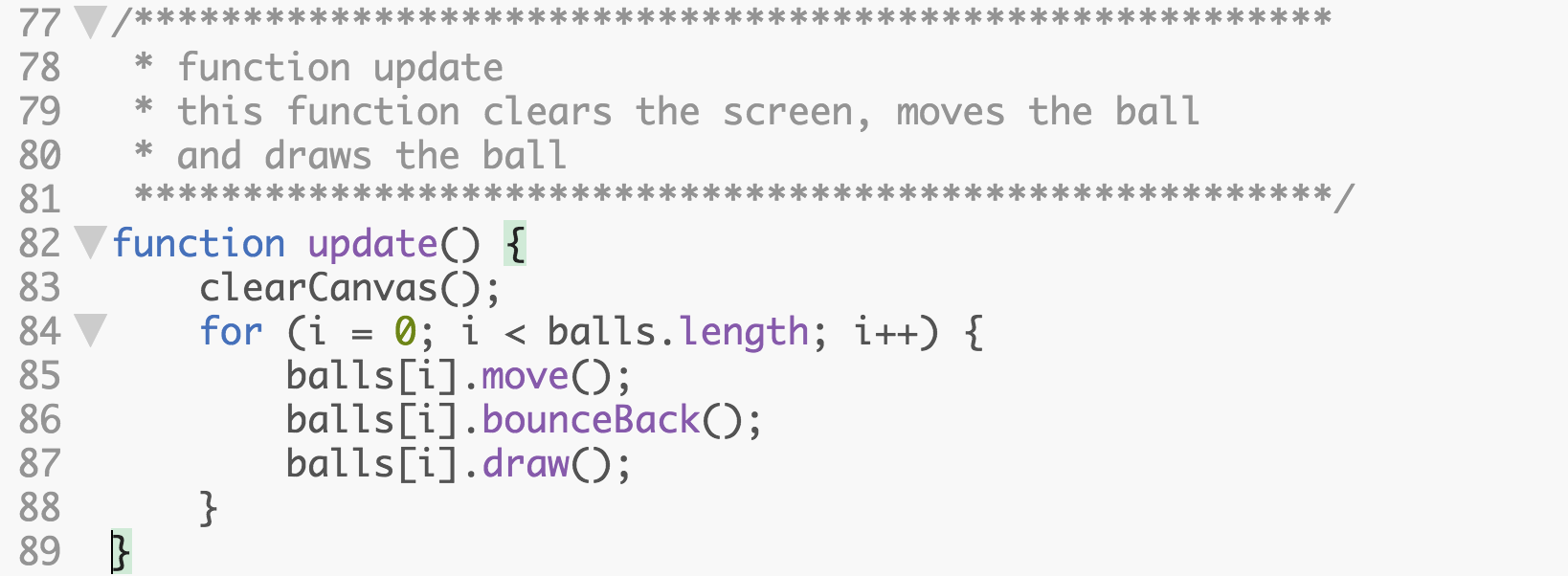
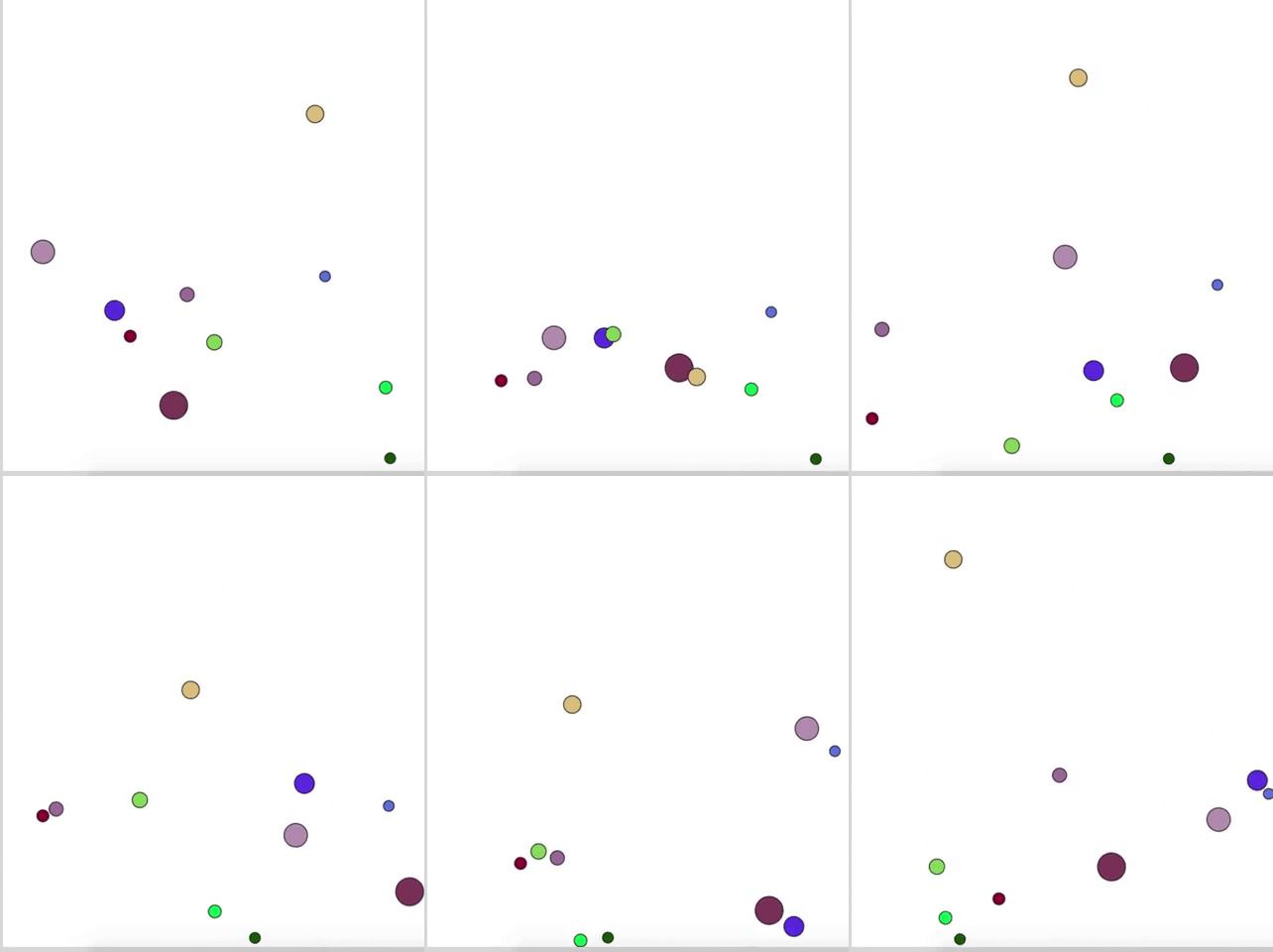
We now have ten balls boouncing on our webpage.
React to mouse movements
Balls will appear under the mouse when it is moved across the canvas.
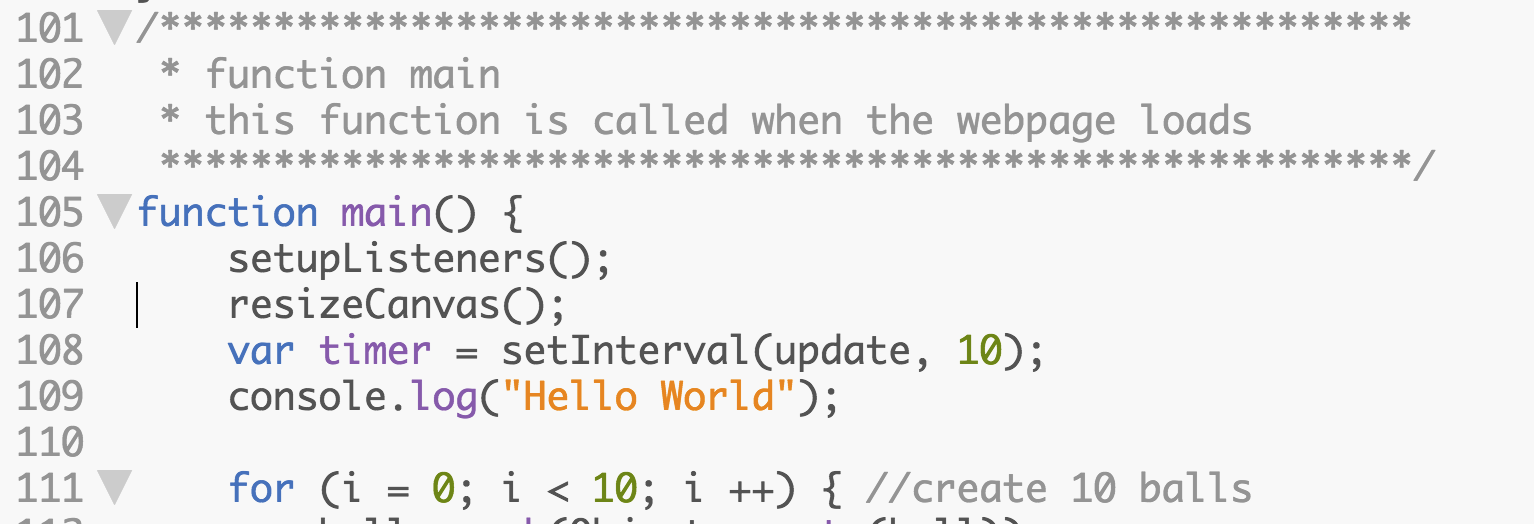
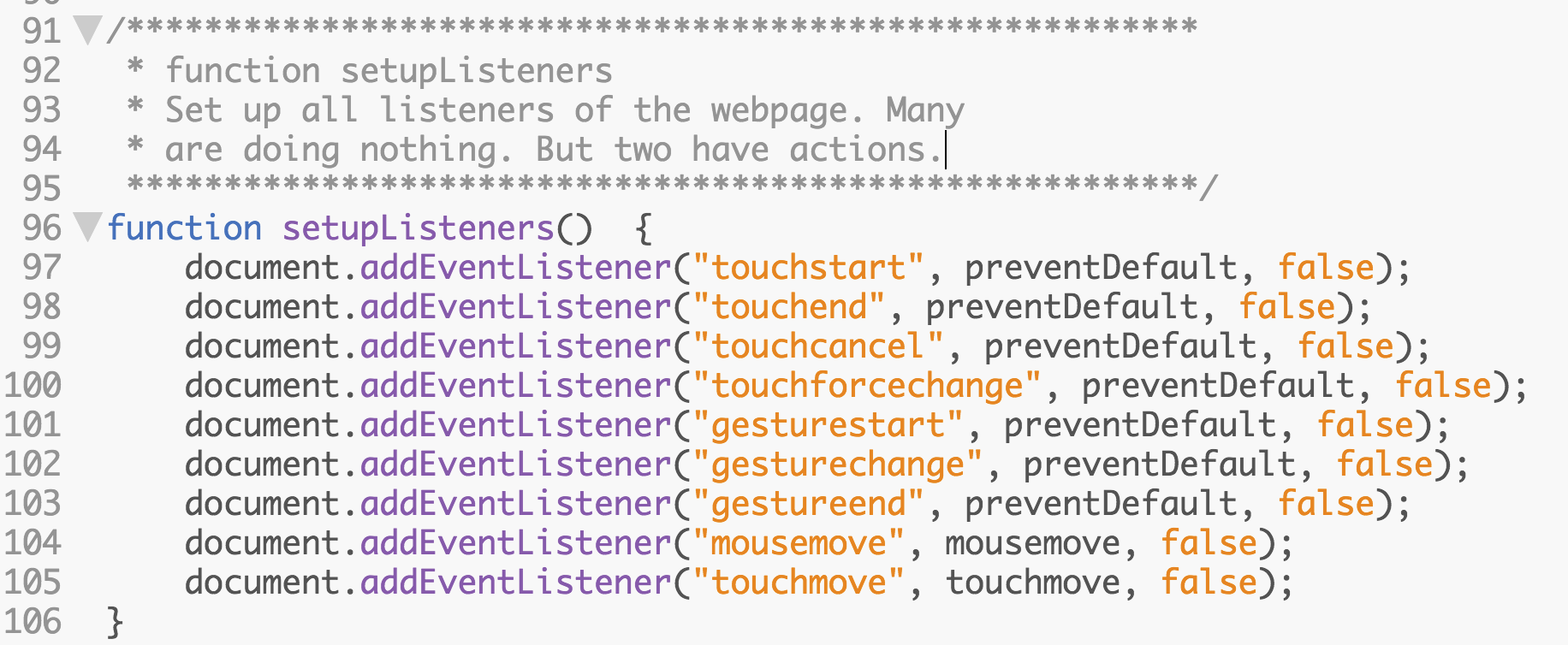
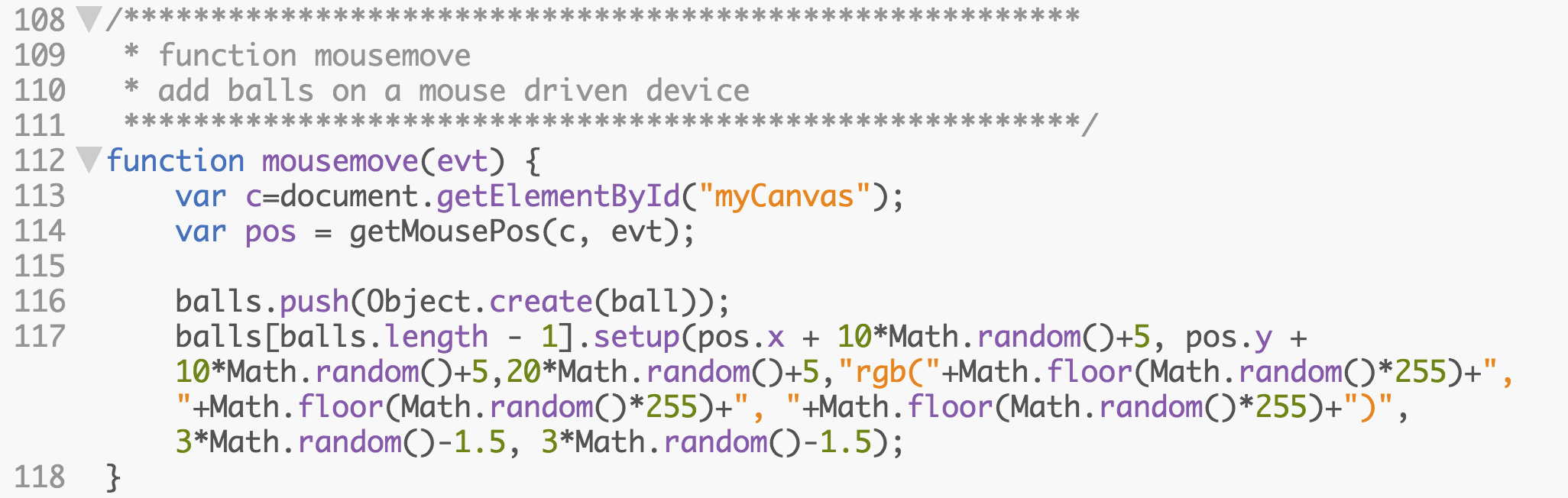
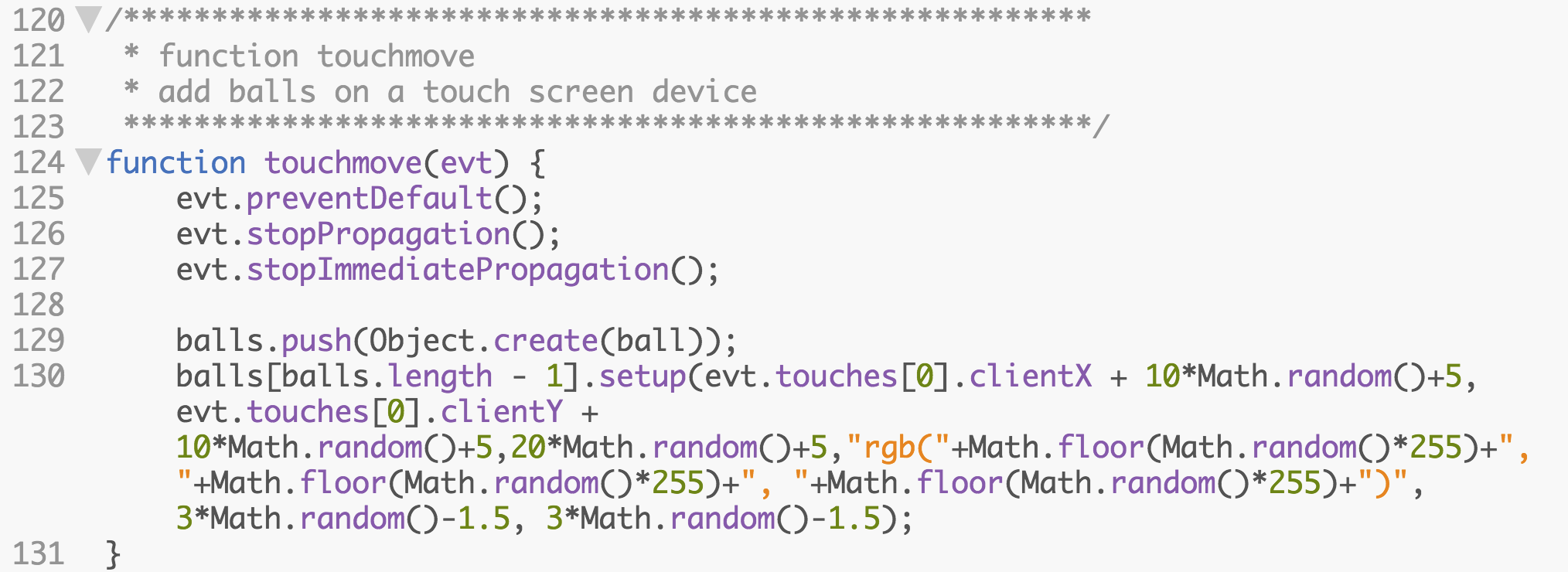

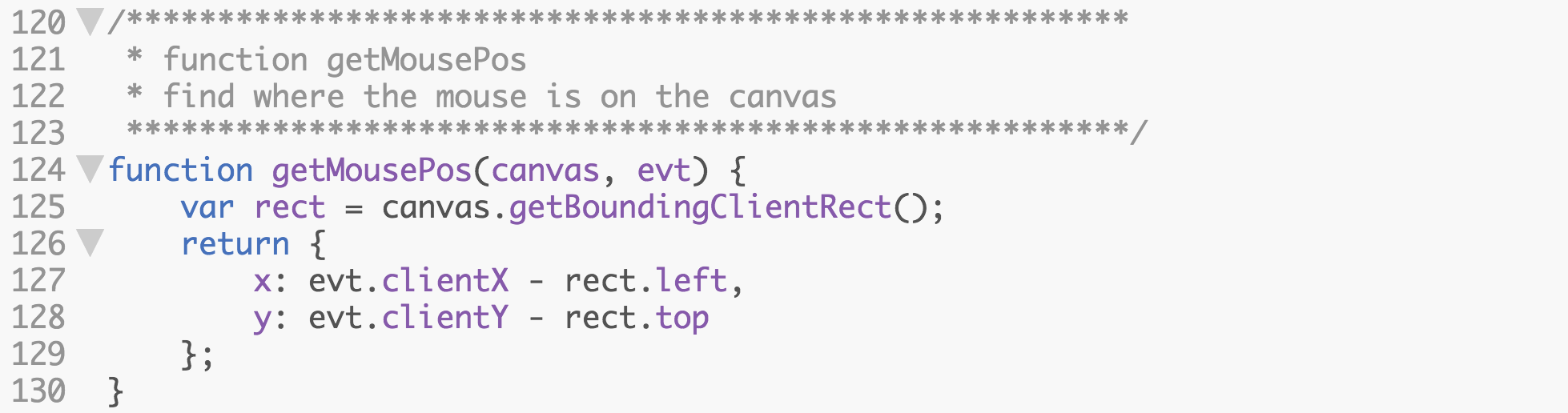
Please edit the code and make it your own. Enjoy programming!